Make preparation smaller than the activity
A good creative activity needs a clear invitation, suitable materials, and enough freedom for people to make different choices. Decide whether you want a shared result or individual pages. Prepare the source files and any printing before the group begins, so generation status and printer settings do not become the main event.
Offer simpler and more detailed choices where possible. A broad animal outline can sit beside a detailed forest scene without making one participant's choice seem less valuable. Preview AI-generated text and artwork before sharing it, especially with children. Check suitability, confusing details, and any instructions that may need adult supervision.
A family color-and-story afternoon
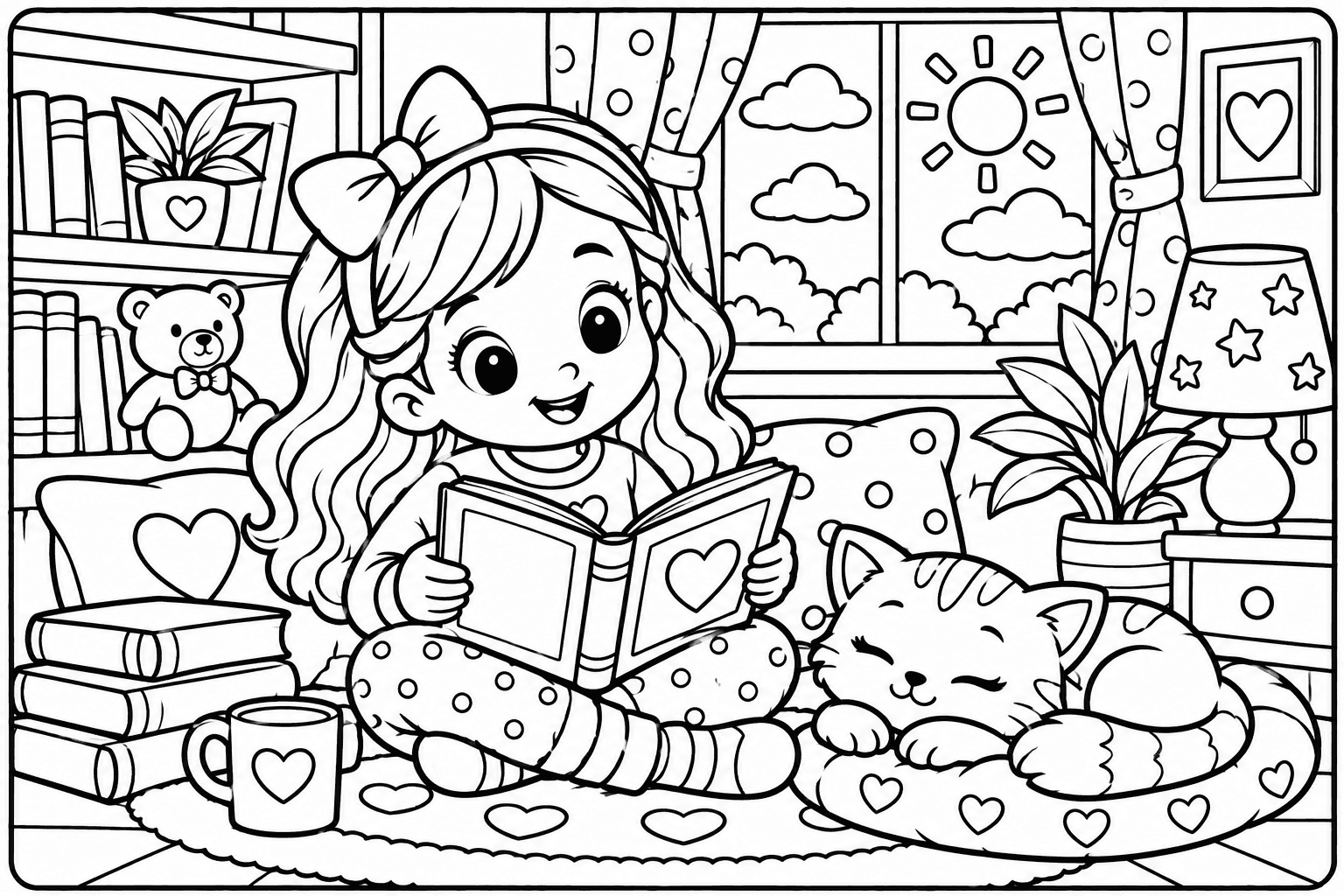
Choose one setting, such as a garden, and let each person select a page or character. Begin with a few main colors, then allow individual variations. After coloring, ask each person to invent one sentence about what is happening. Put the sentences together as a short shared story; they do not need to follow the generator's original plot.
With WonderStudio, people can experiment digitally and download their finished pages. With paper, prepare copies and pencils beforehand. Use a timer only if it makes the activity easier; finishing every area is not required. If using a shared device, agree on when to save and switch turns so one person's work is not lost during a reset or navigation change.
- Prepare a few reviewed garden or animal pages.
- Let participants choose their page and palette.
- Color a manageable part of the drawing.
- Share one invented sentence per page.
- Save or collect the pages with the story.
A classroom observation and vocabulary activity
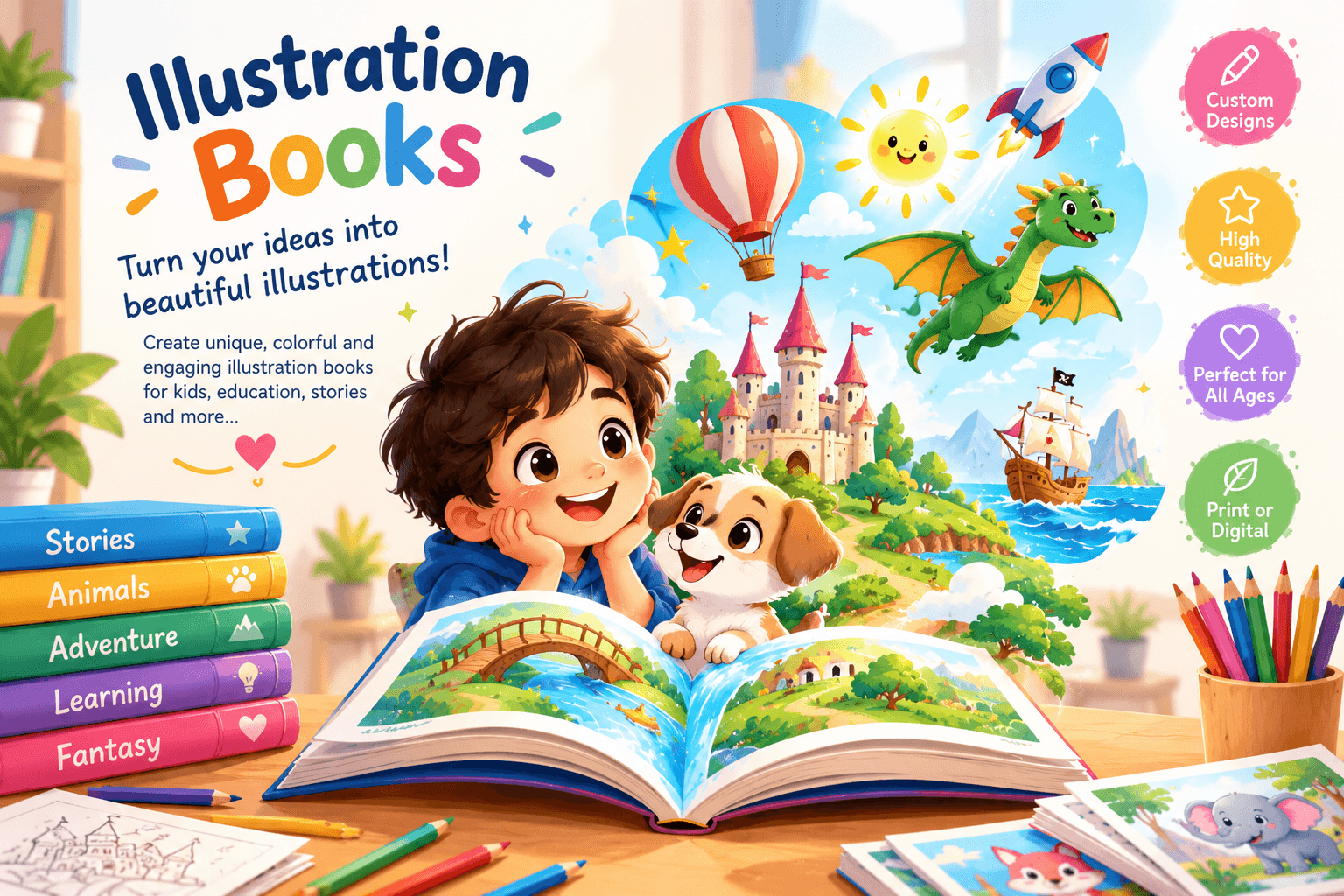
Start with a reviewed illustration connected to a topic you are already using. Invite learners to name visible objects, describe a character's action, or compare two areas of the scene. Provide a short word list if it helps, but keep the image and language task manageable. This is a suggested classroom activity, not a claim of measured learning improvement.
Do not enter student names, records, or private classroom information into an AI prompt. A fictional character and a general theme can personalize the material without identifying a child. Check your school's rules for external tools, printing licenses, consent, and supervised use. Adult preparation does not by itself establish that a child-facing service meets privacy requirements.
A low-pressure creative session for adults
Choose a drawing with a level of detail that fits the time available. Try a limited palette, such as two greens and a warm neutral, and use it across the page. If you want a second challenge, repeat the same source with a different palette instead of generating a new image. This makes the effect of color choices easier to notice.
For digital work, alternate between whole-page and detail views. Save a version before making a major change so you can compare it later. For paper, keep a small scrap for testing a pencil or marker. A creative session can be enjoyable without claims that it treats anxiety, improves health, or produces a professionally reviewed result.
Build a planner with a matching sticker set
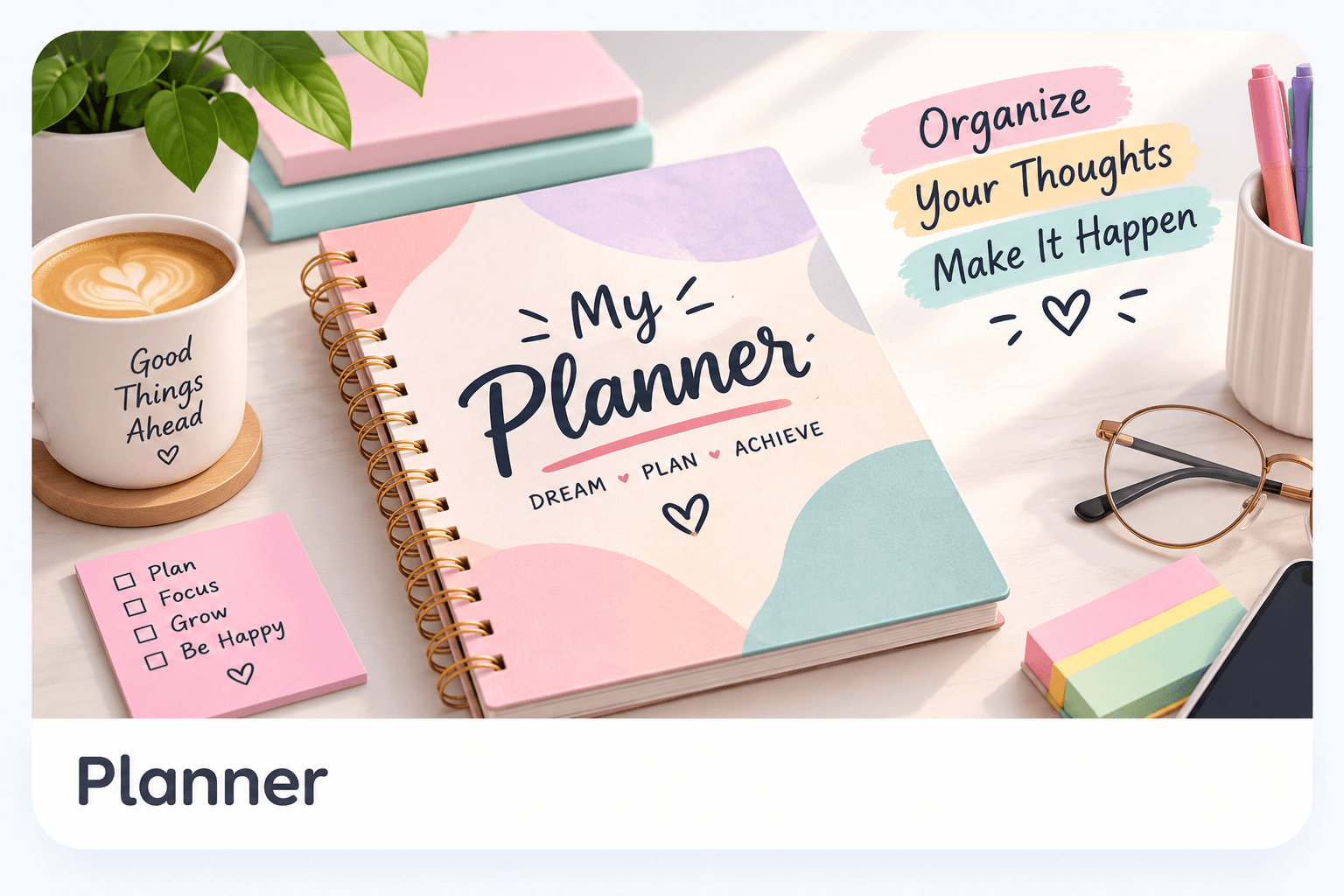
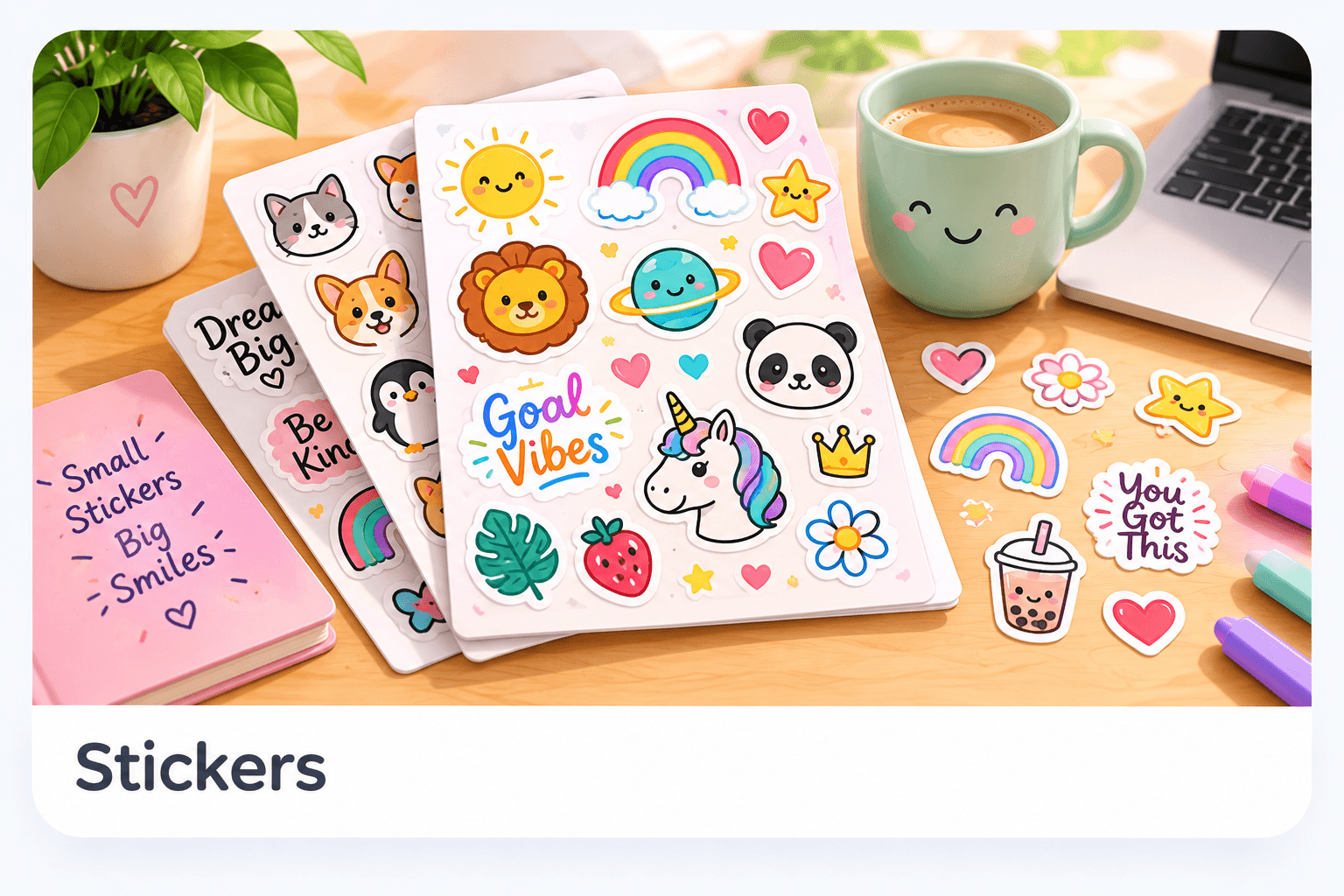
Choose a practical routine: reading, gardening, a craft project, or weekly household tasks. Generate a planner with only the sections needed for that routine. Then make a related sticker theme that can mark task categories or decorate the notes area. Keep stickers small enough that they do not cover the information the planner exists to record.
Print a plain-paper sample before using a full stack or adhesive stock. Fill in a realistic task to check writing space, and test one sticker's size. After a week, review which parts you used and which stayed empty. That feedback can guide a simpler second version. Treat the activity as designing a useful object, not just collecting decorative pages.
Close the session with a safe sharing choice
Decide where the finished work belongs: a personal folder, a physical display, or a private group. Ask permission before sharing someone else's creation or identifying information. Public gallery publication in WonderWords is an owner/admin action; it should not be confused with ordinary local coloring. Keep children's names and private details out of public artwork and captions.
Download important results, keep source files separately, and verify licenses before redistribution. Ask participants what they would change next time: a simpler drawing, different colors, more writing space, or a shorter story. Those concrete preferences help you prepare a better activity without turning every session into a test or a finished-product competition.
Need help with a specific tool? Visit Help & FAQ. See the terms draft for the content-license details still awaiting owner approval.