Give the story one clear job
A short illustrated story becomes easier to follow when it has one character, one goal, and a small change by the end. ‘A fox returns a lost scarf’ is more useful as a starting point than ‘an exciting adventure about friendship and courage with lots of animals.’ A simple goal makes room for illustrations to carry part of the story rather than merely decorate it.
Choose the intended reading experience: an adult reading aloud, a confident reader working alone, or a shared classroom discussion. That decision affects sentence length and how much text belongs on a page. Do not assume that AI-generated language is age-appropriate or educationally reviewed. Read it yourself and adapt the project to the audience.
Write a brief that preserves continuity
Describe the main character with a few recognizable traits, then keep those traits unchanged: ‘a small orange fox with a green scarf’ is easier to track than a detailed list that varies from scene to scene. Use a limited setting, such as a village garden, to reduce visual drift. Describe the illustration style in ordinary words without asking to imitate a living artist or use protected characters.
Plan a beginning, a complication, and a resolution. For the scarf example, the fox finds it, asks two neighbors, then returns it to its owner. Those events can become separate scenes. The prompt should explain what changes between pages, while the character description explains what stays the same. Use a fictional name or nickname rather than a child's identifying details.
Generate a small version before a long one
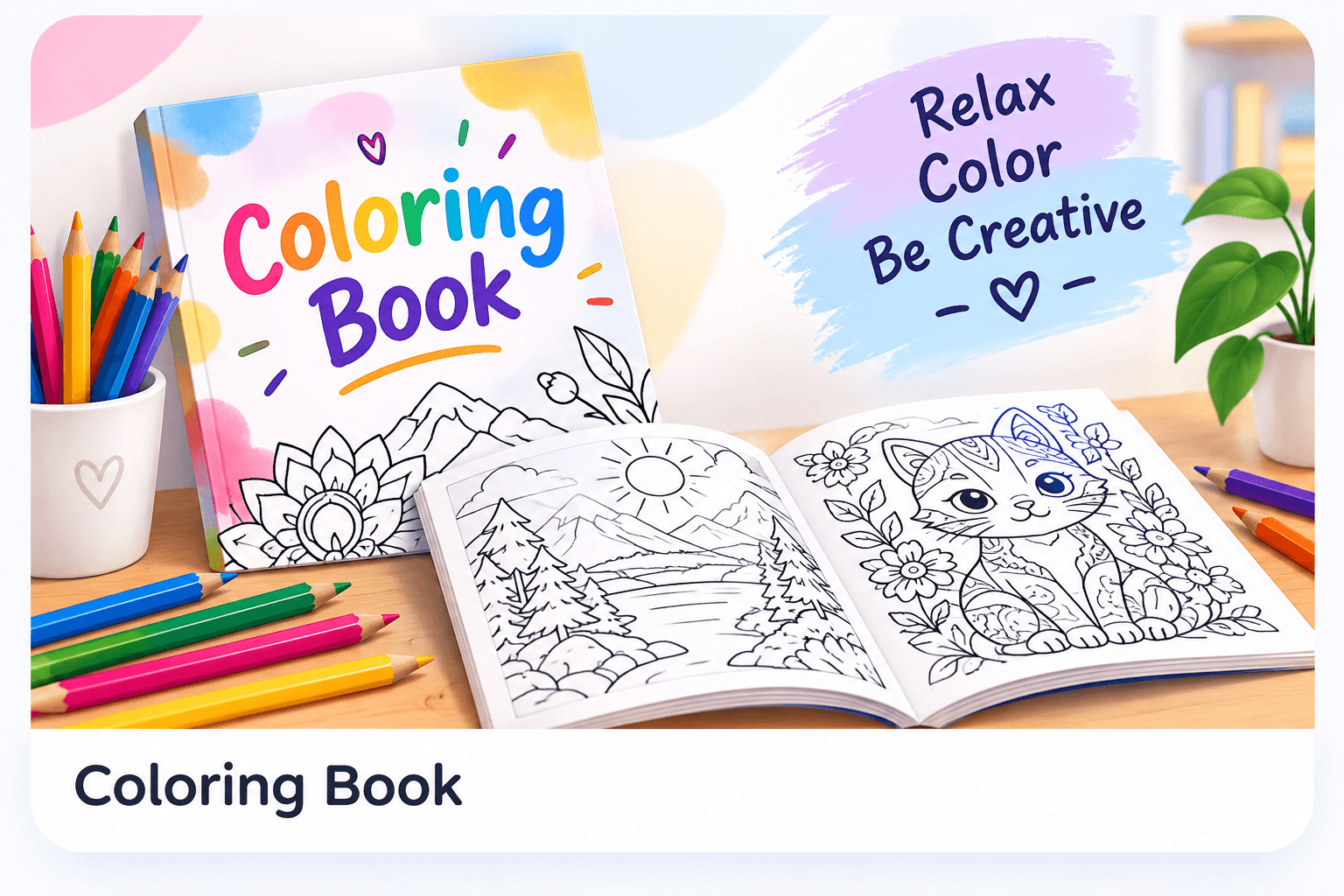
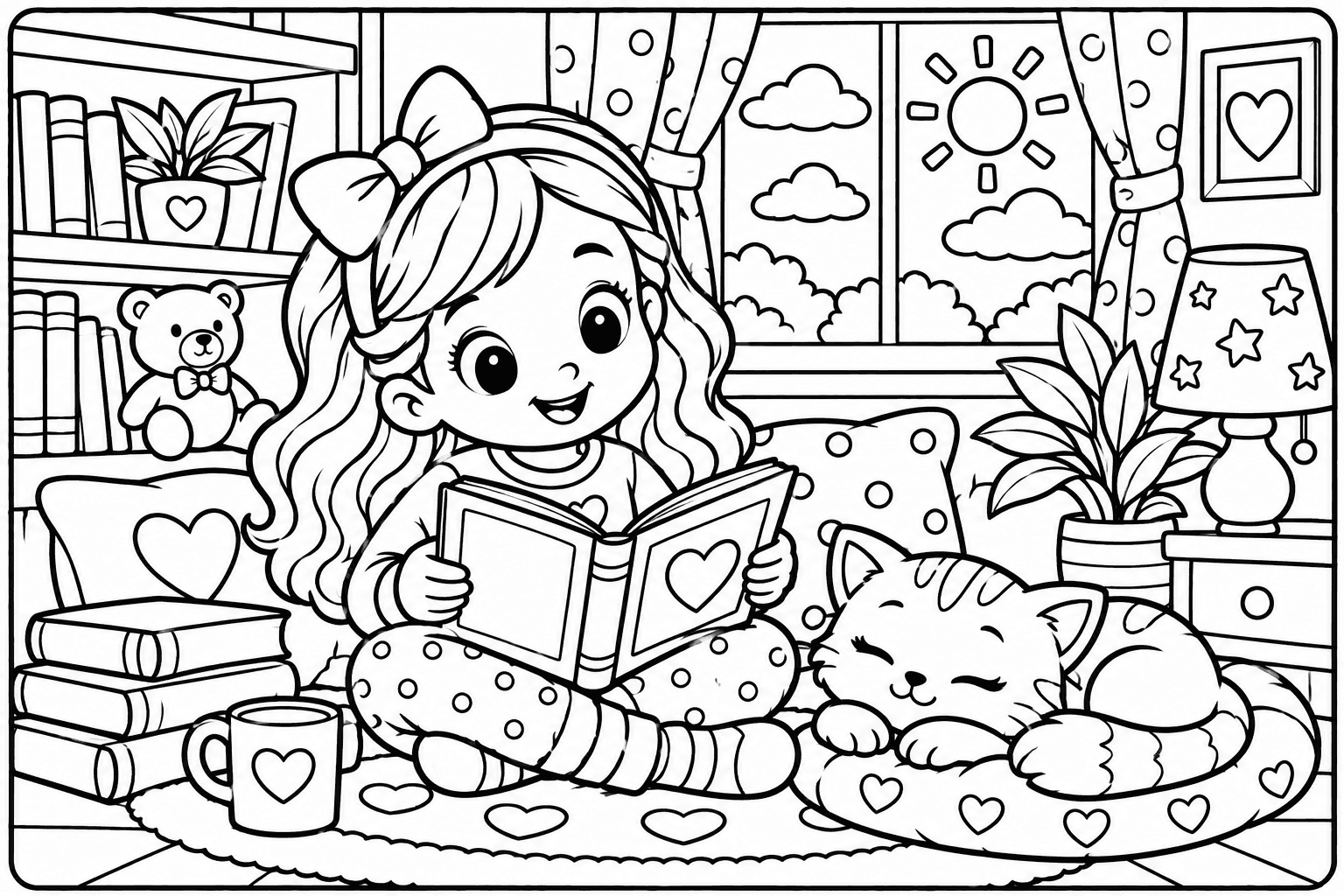
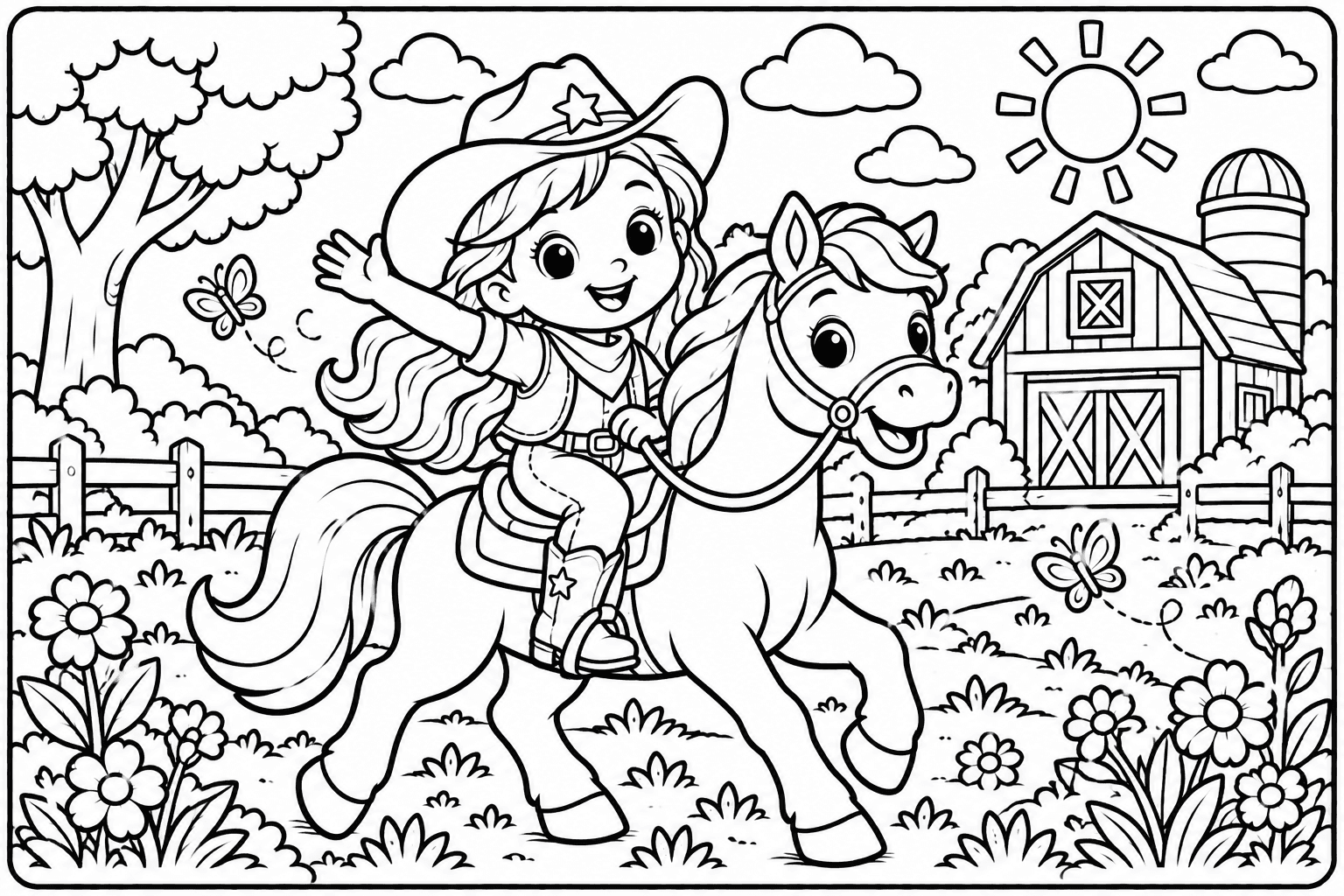
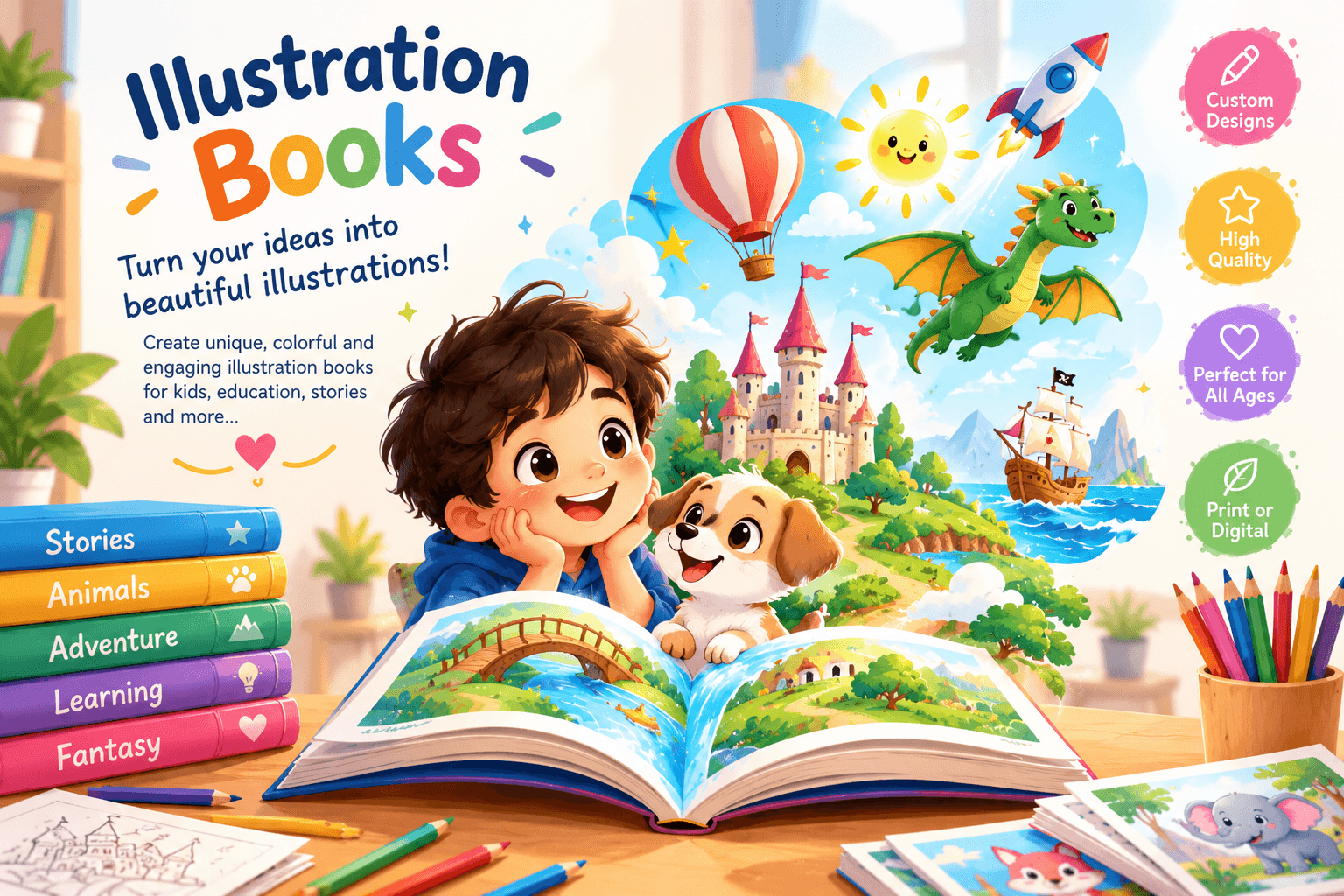
WonderWords has a dedicated illustration-book generator for coordinated story text and full-color page images. It is different from the black-and-white coloring-book generator. Choose the settings actually offered in the tool and review the displayed Wonder Credit cost before submission. A shorter first book gives you a chance to assess the character and pacing without committing to many pages.
The request can involve several images and background processing. Wait for its result or status message rather than refreshing repeatedly. If an image fails, read the application's error before deciding whether to retry. Provider availability and your prompt can affect the result; neither exact consistency nor a fixed generation time is guaranteed.
- Open the illustration-book tool and sign in if required.
- Enter the brief, select the available page/settings options, and check the credit cost.
- Generate and review the complete preview.
- Download the PDF once the book is available.
Review the story as a reader would
Read the text aloud without looking at the pictures. Does the first page explain the goal? Do pronouns clearly refer to the right character? Does the final page resolve the problem introduced at the start? Mark repetitive sentences, sudden new characters, and details that do not serve the main story. A shorter, clearer story often works better than one packed with unrelated lessons.
Then look at each picture beside its text. Check clothing, color, objects held in hands, and where characters face. If the story describes a blue hat but the image shows a red bag, that mismatch matters. Inspect anatomy and background details as well. A convincing cover does not prove that the interior pages are suitable or consistent.
Make the printed book comfortable to read
Preview the PDF at the intended paper size, not only on a bright screen. Check that text remains large enough, that a line is not cut off, and that image details do not obscure the words. Leave space near binding edges if you plan to staple or punch the pages. Print one sample page and read it under ordinary room lighting.
For duplex printing, test how your printer flips a two-page sample before printing the whole book. Landscape pages often need a different flip setting than portrait pages. The exported PDF is a finished document, not a guarantee of compatibility with every commercial printer's bleed and binding requirements. Ask the printer for specifications if you need professional production.
Use personalization thoughtfully
Personalization can come from a favorite setting, an interest, or a fictional character who faces a familiar task. It does not require sensitive personal data. After reading, invite the reader to predict what happens next, name a feeling shown in a picture, or sketch a different ending. Present these as creative invitations rather than claims of proven learning outcomes.
Keep the source brief and downloaded book together so you can make a more focused version later. Before sharing or selling, confirm the applicable content license and check for recognizable protected material. AI output is not automatically original, exclusive, or commercially cleared. Your review is part of making the book useful and responsible.
Need help with a specific tool? Visit Help & FAQ. See the terms draft for the content-license details still awaiting owner approval.